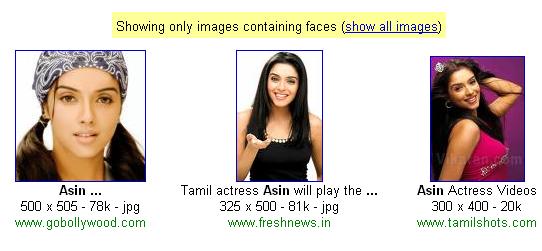
To force your image search to return faces only, append &imgtype=face to the end of image search URL.
For instance the normal image search query for Asin (popular bollywood actress), would be this,
http://images.google.co.in/images?hl=en&q=asin&btnG=Search+Images&gbv=2
To restrict this search to faces only, append &imgtype=face at the end, like this,
http://images.google.co.in/images?hl=en&q=asin&btnG=Search+Images&gbv=2&imgtype=face
That’s it. Now Google will restrict this search to faces only,
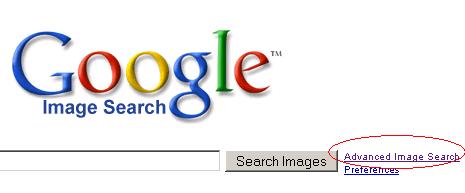
Another, simpler way of doing this is to use Advanced Image Search. Click on Advanced Image Search on Google image search home page,
Now, to force google to search for faces only in the mage search, check the faces radio button,

That’s it.